ENOPAN CONNECT

Monitor and control
your plant remotely.

Track production from your phone, tablet or computer. We can also design full plant control to suit your needs.

iOS · Android · Computer
Access from your phone, tablet and computer.
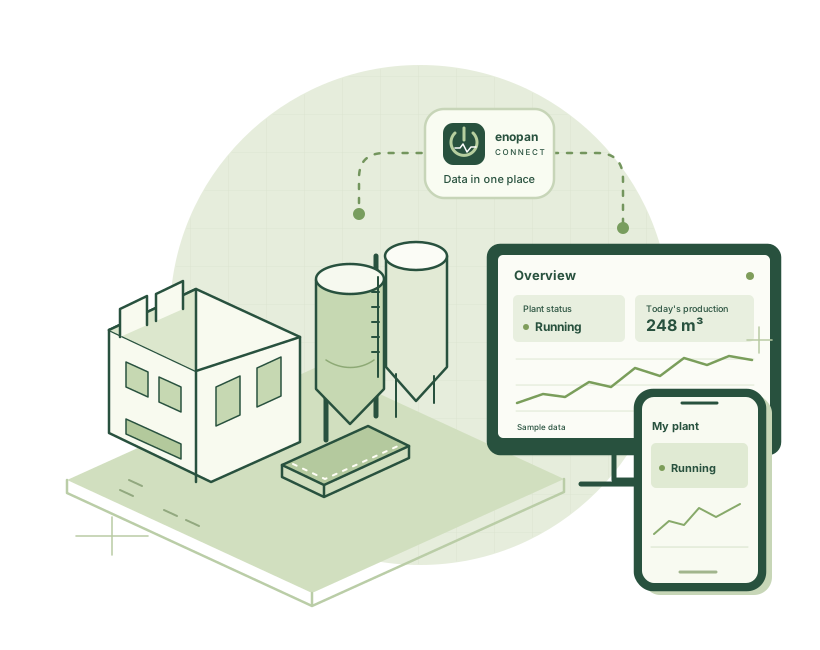
Production information sent from the plant through Enopan Connect to both a computer and a phone
PHONE · TABLET · COMPUTER
01 Your existing system connects02 Data comes together in Connect03 Access from the screen you choose

IN YOUR DAILY WORK

Three questions answered at a glance.

The information available to display
is determined by your plant's data sources.

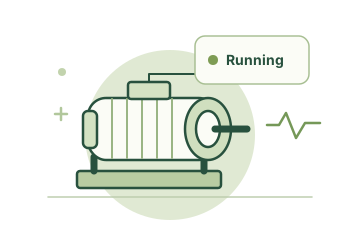
A running motor and a green status indicator
01 / OPERATING STATUS

Is the plant running?

Machine status, measurements and available alarm records.
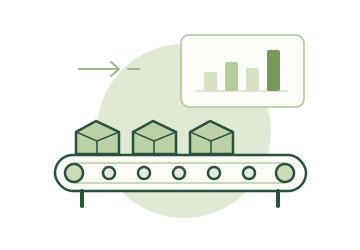
Products on a production line and a chart showing production output
02 / PRODUCTION MONITORING

How much was produced?

Production for your selected period, broken down by product and shift.
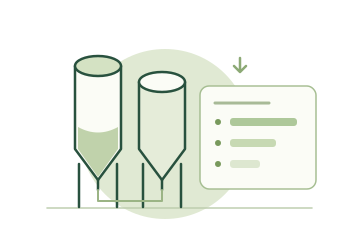
Material silos and bars showing consumption of each material
03 / MATERIAL CONSUMPTION

How much material was used?

Recorded consumption, recipe breakdowns and downloadable reports.

ENOPAN CONNECT SCREENS

Monitoring and control screens.

Sample data · Product screens

See the plant's overall status.

Operating status, available real-time measurements and recent production records on one screen.

  1. View operating status
  2. Track measurements
  3. Review recent records

Customer and production records in the images are anonymous examples.

Access from phone, tablet and computeriOS · Android · Computer

Screens are prepared for your plant.

We can define the data you want to monitor, the screen layout and the visual style together.
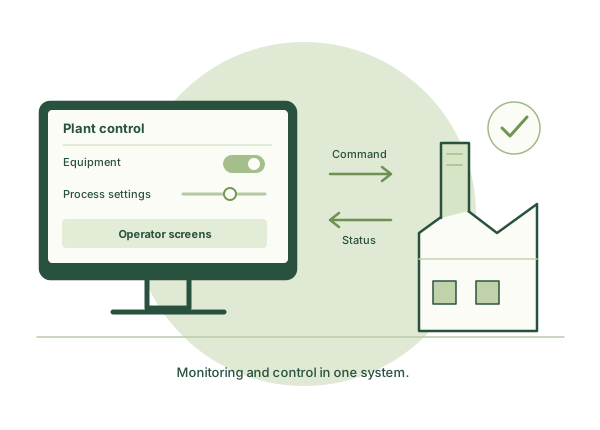
Data · Reports · Design
Commands sent to the plant from the computer control screen and status information returned by the plantPLANT-SPECIFIC CONTROL DESIGN · ILLUSTRATIVE DRAWING

REMOTE CONTROL TO SUIT YOUR NEEDS

From a single machine
to full plant control.

Control equipment, change settings or manage plant operations remotely. Let's define the control scope together to suit your needs.

Equipment controlProcess settingsFull plant control

Operations are designed together with user permissions, on-site operating permissives and PLC interlocks.

I'd like to discuss my control needs

AT YOUR PLANT

Let's define it together.
Let's connect step by step.

Computer, HMI or PLC.
We plan the connection around your existing setup.
Two ways to connect.

No static IP requiredNo port forwarding required

If you have internet

We use your plant's existing internet connection.

If you don't have internet

We provide connectivity through our SIM-equipped data acquisition device.

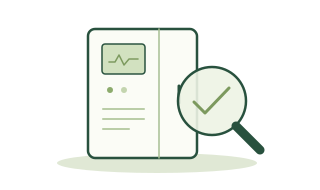
Inspecting the data sources in a control panel
1

We inspect your plant.

We identify the existing devices and accessible data.
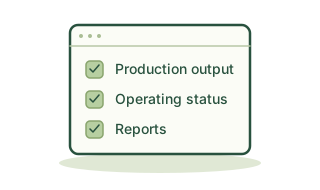
Defining monitoring, reporting and control needs
2

We define your needs.

Together, we define the scope of monitoring, reporting and control.
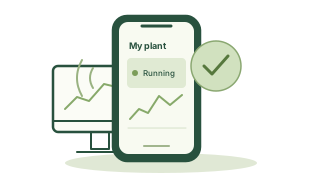
The system accessed from a computer and phone after installation
3

We establish the connection.

We commission the system and show you how to use it from a computer and phone.

SHORT ANSWERS

Your questions,
answered.

Do I need to replace my existing automation system?

We first examine your existing software and devices. The connection method and any additional hardware are determined by the data available.

Can plants without Enopan automation use it too?

Yes, systems from other brands are also assessed. The available information is determined after examining the existing software and devices.

Can I access it from iOS, Android and a computer?

Yes. You can access it in a browser on iPhone, iPad, Android devices and your computer. On supported mobile devices, you can also add it to your home screen.

How are the price and installation scope determined?

We prepare a plant-specific quotation after assessing the requested functions, data volume, connection to the existing system and internet connectivity needs.

FIRST STEP

Tell us about your plant.
Let's plan the connection together.

We can start with your plant type and the information you want to track.

Overview

Enlarged overview screen

Existing application interface · Anonymous sample data